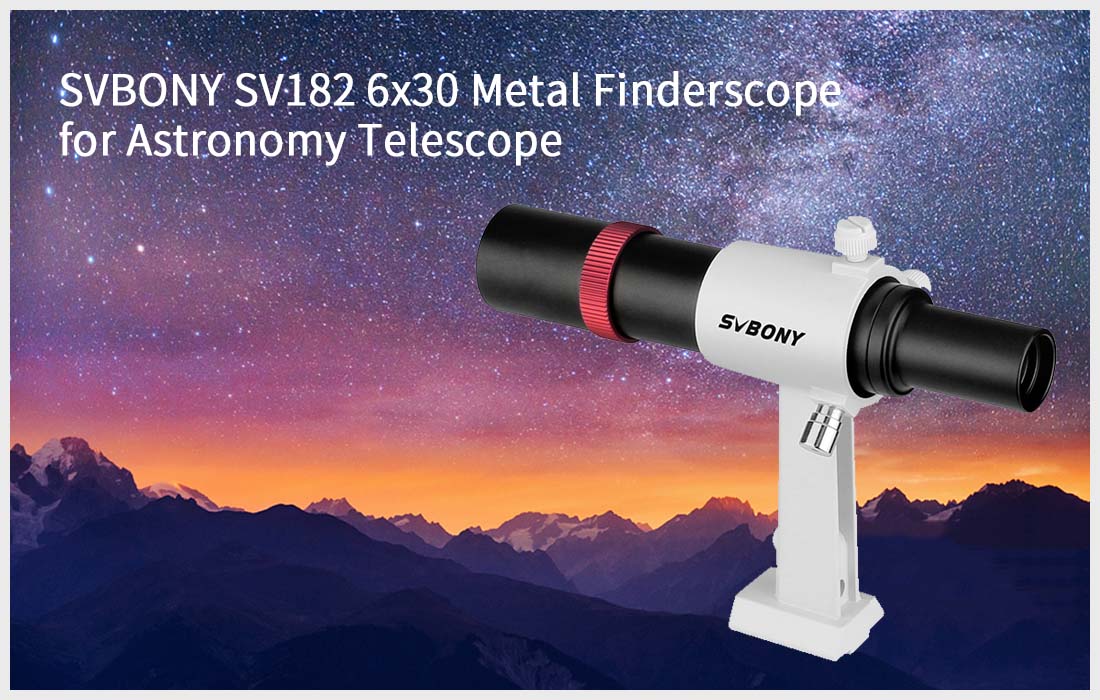
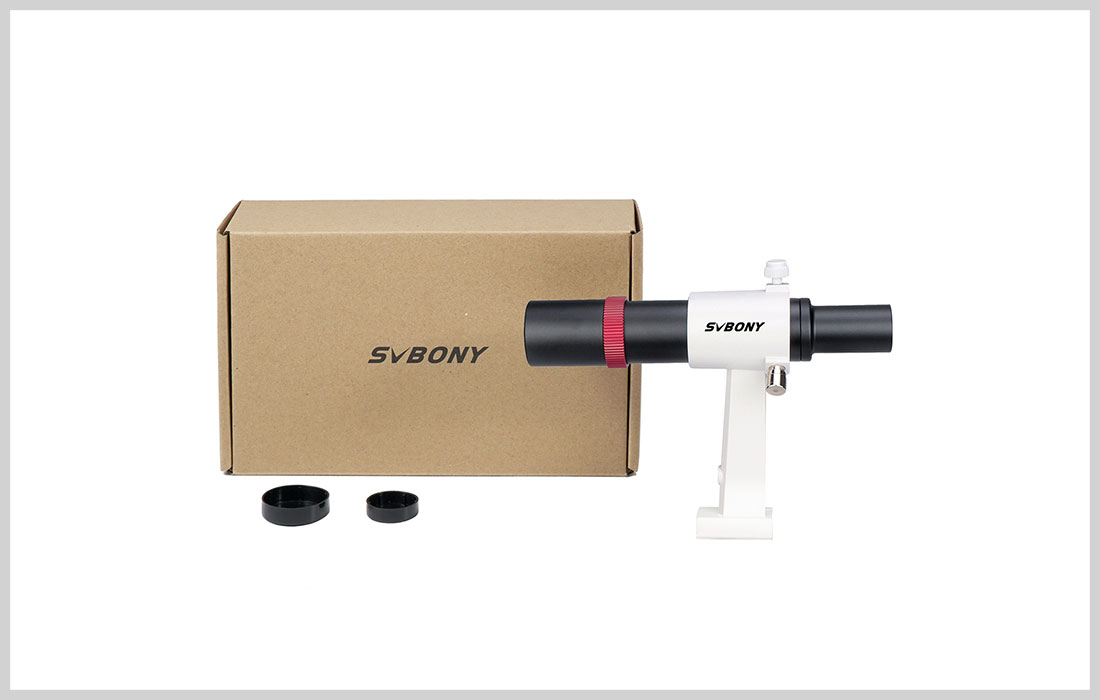
SV182 6x30 Metal Finderscope for Astronomy Telescope with Bracket
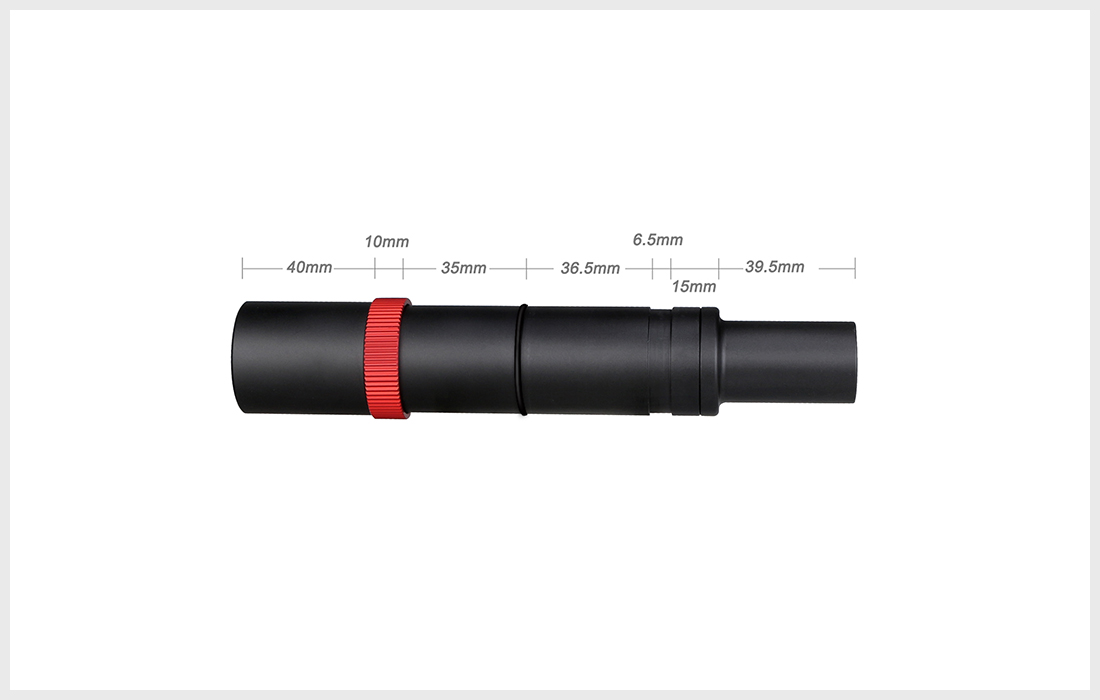
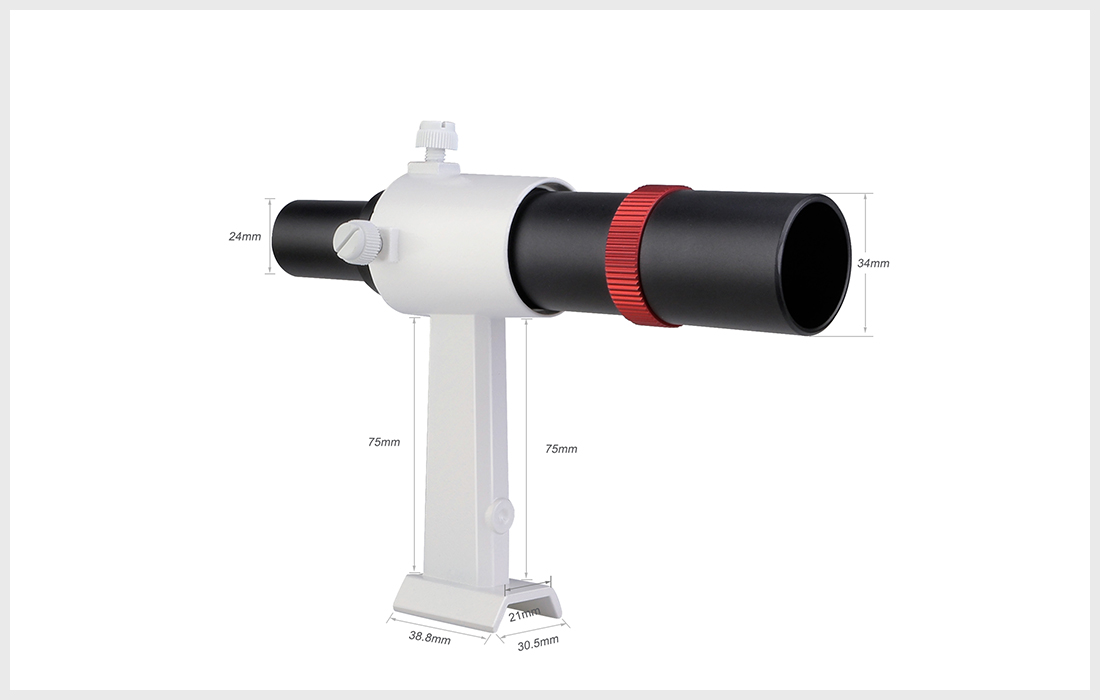
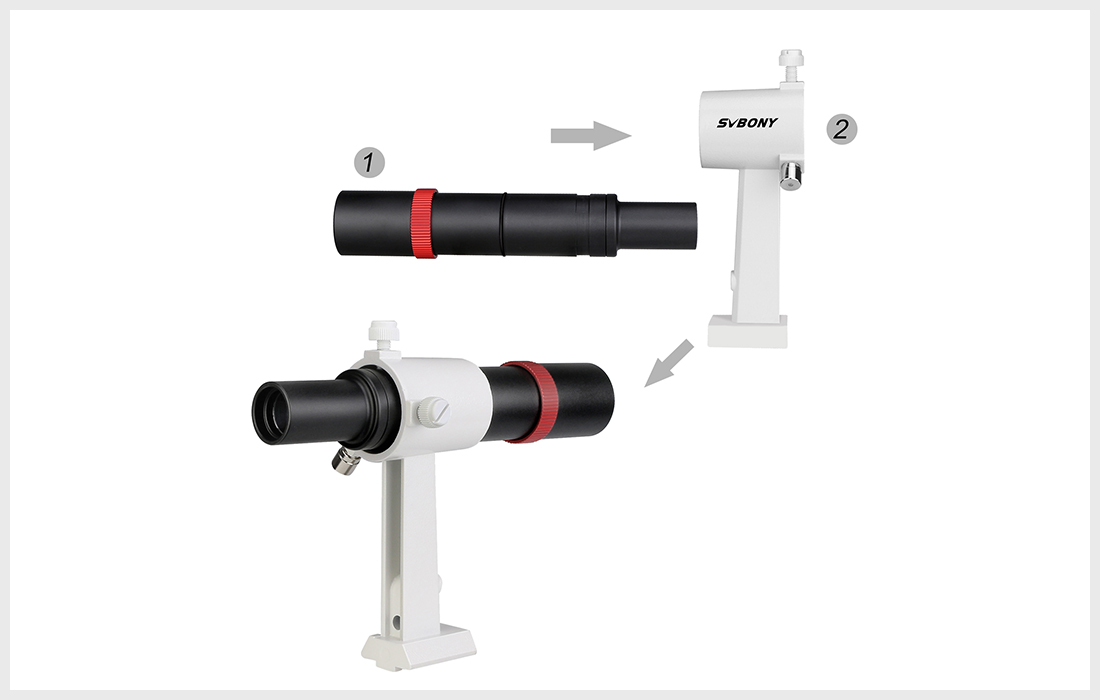
6x30 Metal Finderscope; The SV182 finder scope with 6x power magnification and a 30mm diameter lens collects ample light to make aiming your telescope easy and fun
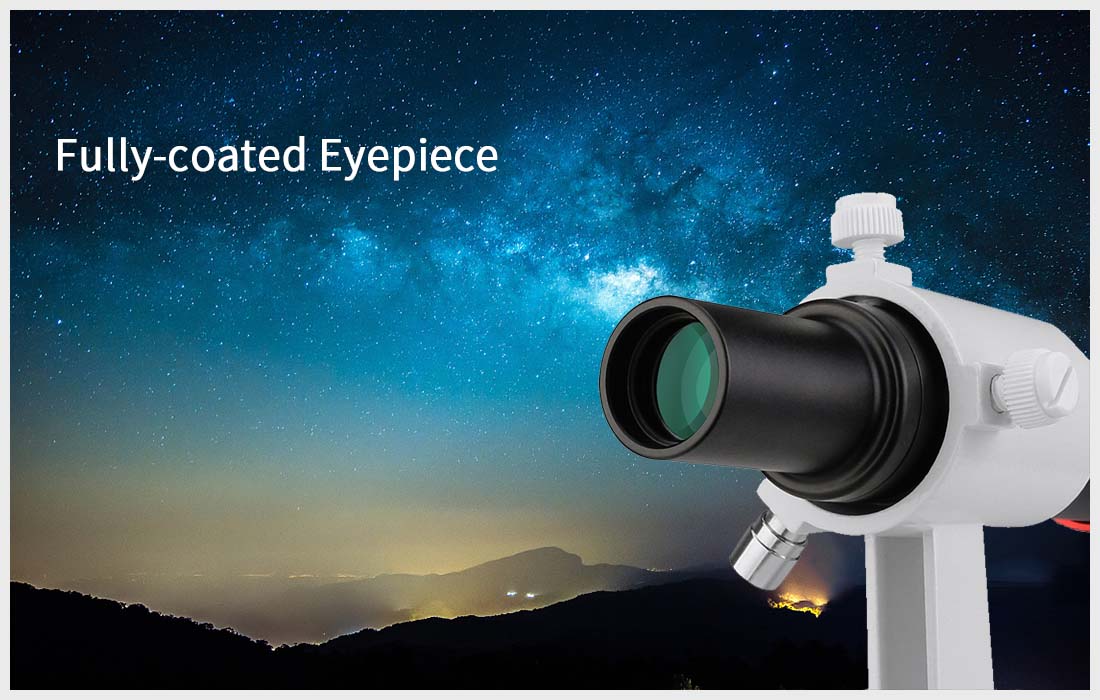
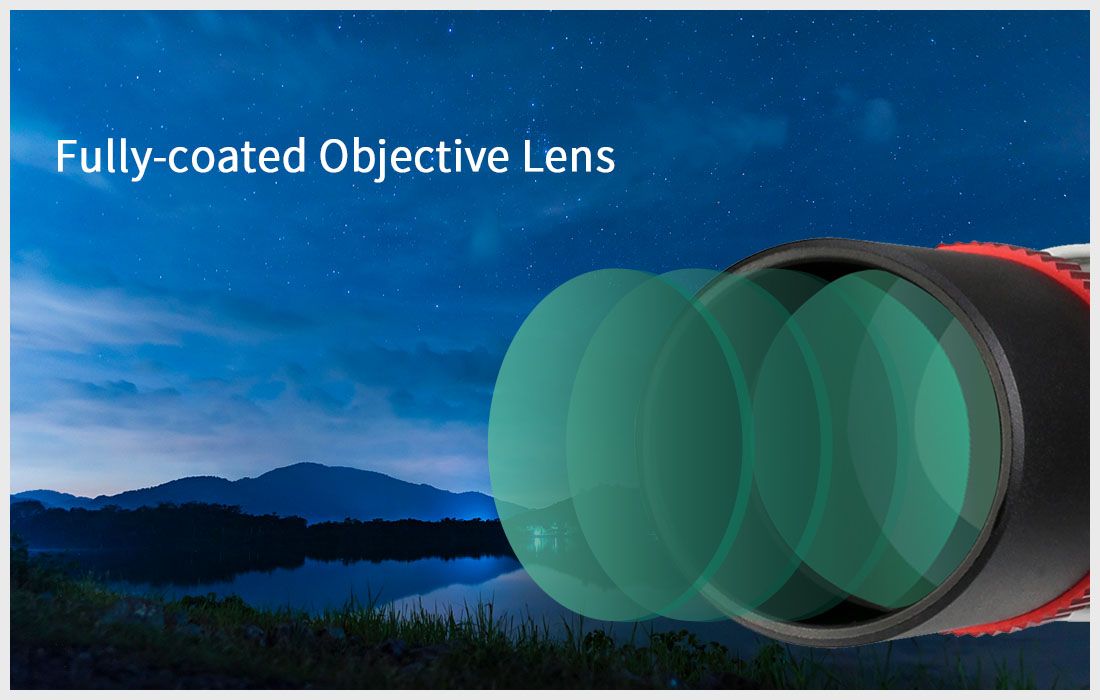
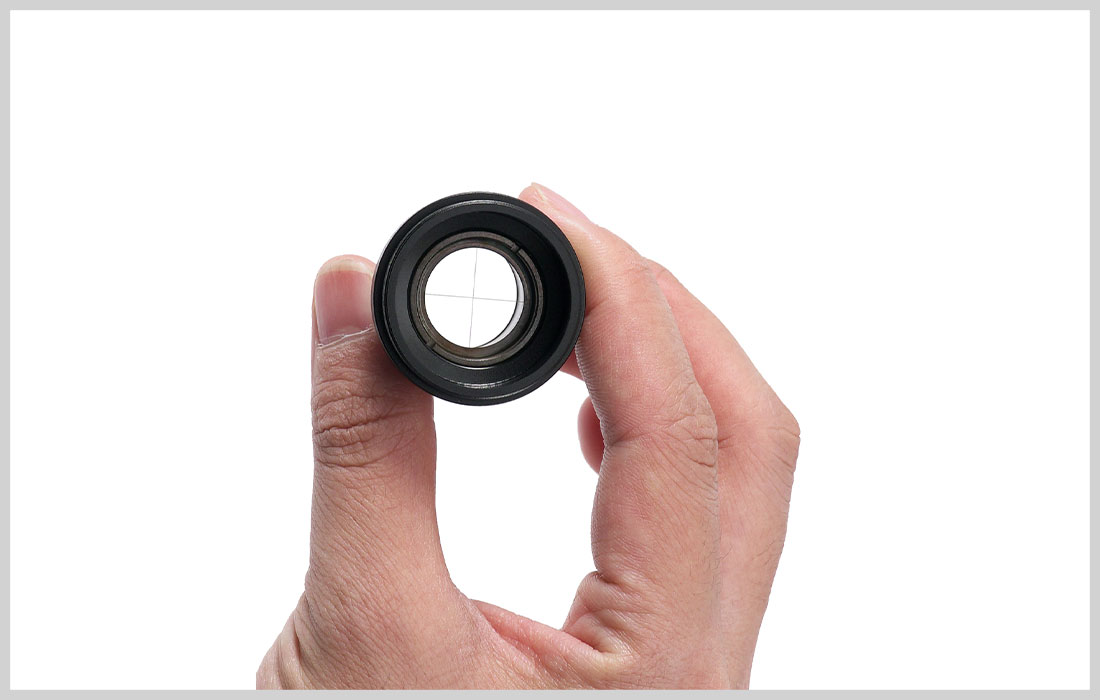
Achromatic 2-Element lens design; The SV182 finder scope features fully muilt coated achromatic finder scope optics; Can effectively eliminate aberrations and chromatic aberrations
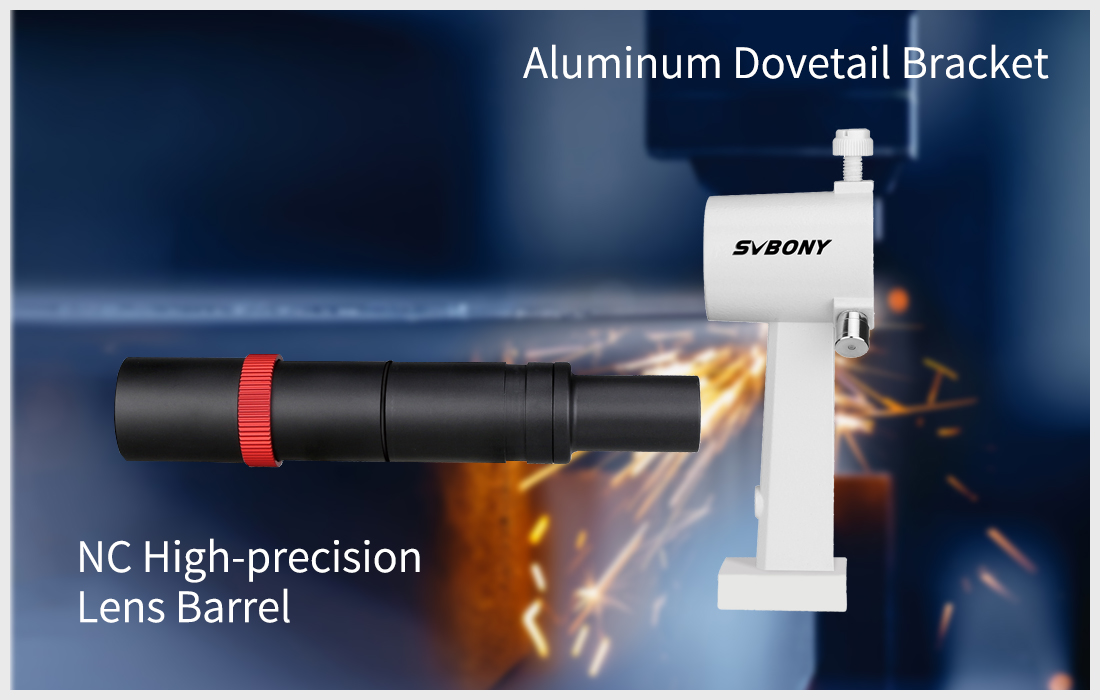
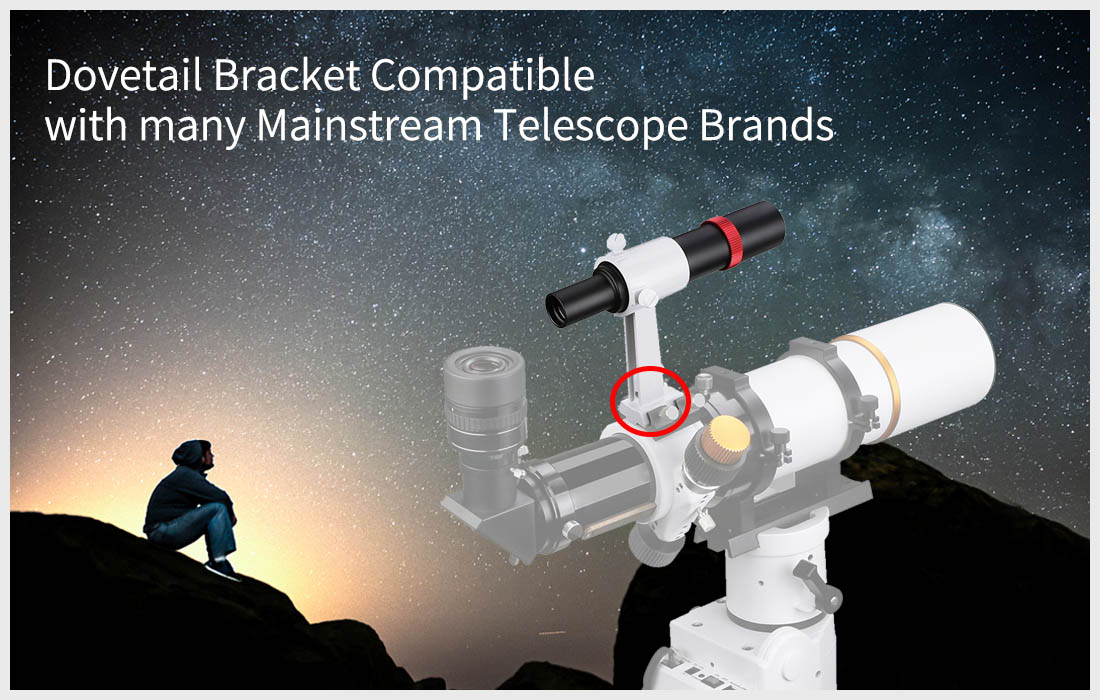
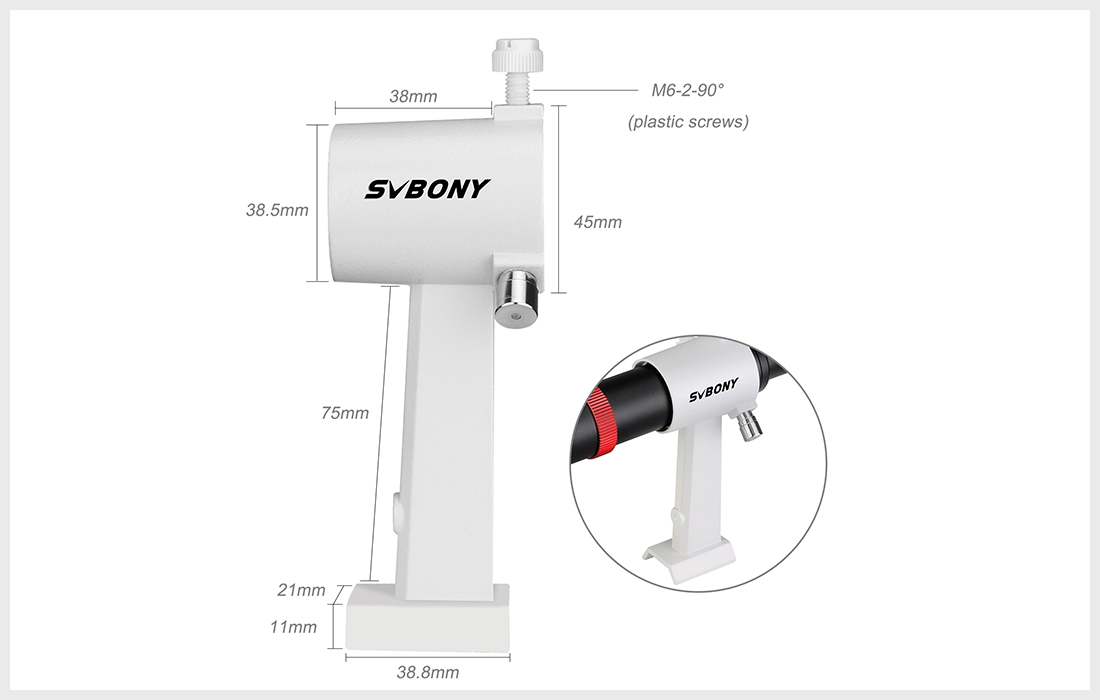
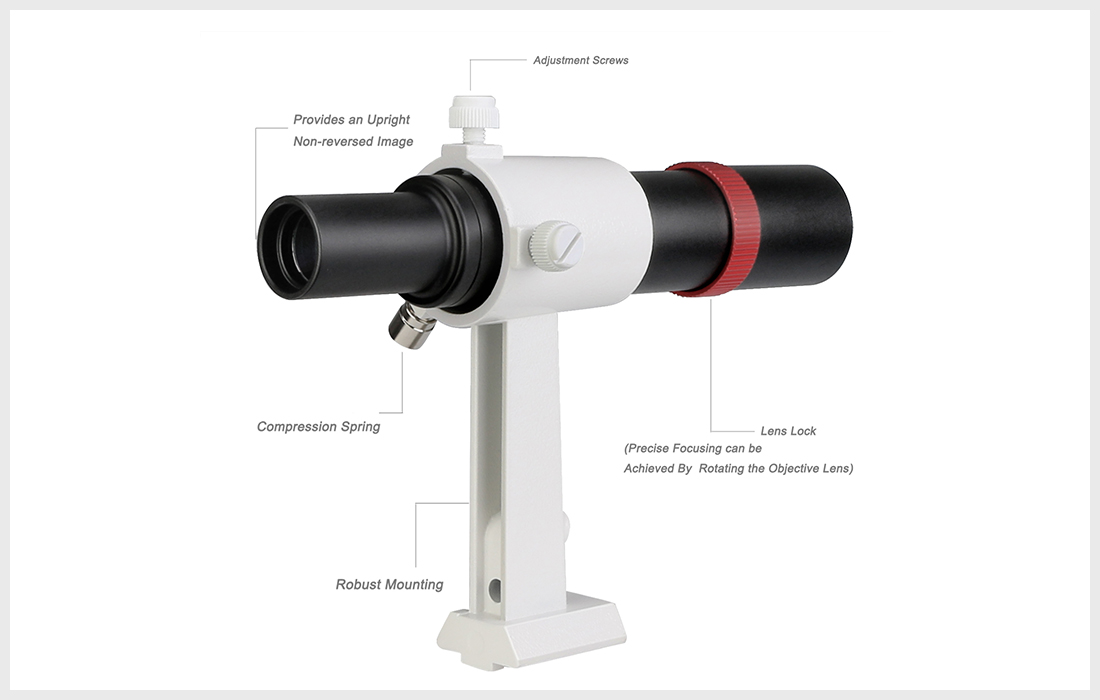
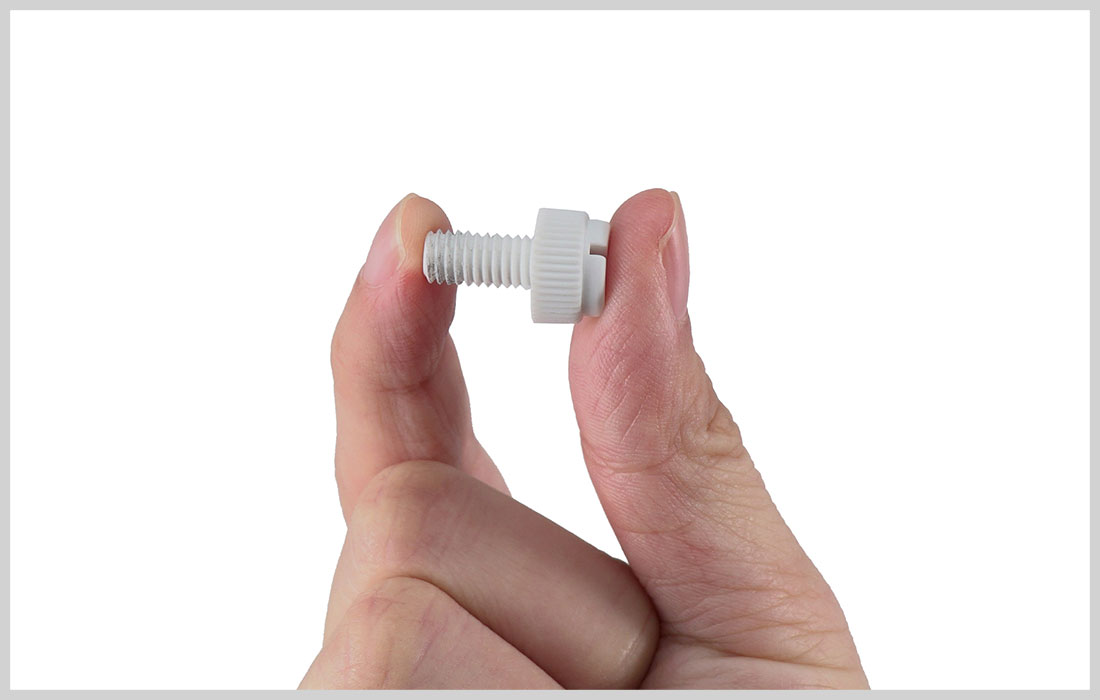
Easy to use;With metal finder bracket; 2 plastic adjustment screws with a 90 degree angle and a fixed spring push-pull screw; only need to adjust 2 screws to quickly find the target
Internal matting design; the inside of the SV182 finder scope fully threaded to minimize reflections
Lightweight and compact; SV182 finder scope net weight is 0.49lb that won't add excessive weight or bulk to your OTA
SV182 6x30 Metal Finderscope for Astronomy Telescope with Bracket
SV182 6x30 Metal Finderscope for Astronomy Telescope with Bracket
6x30 Metal Finderscope; The SV182 finder scope with 6x power magnification and a 30mm diameter lens collects ample light to make aiming your telescope easy and fun
Achromatic 2-Element lens design; The SV182 finder scope features fully muilt coated achromatic finder scope optics; Can effectively eliminate aberrations and chromatic aberrations
Easy to use;With metal finder bracket; 2 plastic adjustment screws with a 90 degree angle and a fixed spring push-pull screw; only need to adjust 2 screws to quickly find the target
Internal matting design; the inside of the SV182 finder scope fully threaded to minimize reflections
Lightweight and compact; SV182 finder scope net weight is 0.49lb that won't add excessive weight or bulk to your OTA
SV182 6x30 Metal Finderscope for Astronomy Telescope with Bracket
Regular price
£69.99
Or £23.33 × 3 interest-free with PayPal
Sorry, No results found!
Pairs well with
Official Store Notice: Dark Clear Skies UK only sells through www.darkclearskies.co.uk. We do not operate mirror domains or third-party clone websites.
Dark Clear Skies UK Passion for the Night Sky, Delivered.
Choosing a selection results in a full page refresh.
Similar Products
PayPal Pay Later Messaging
Step 1: Choose message placement
Click the button below and then hover over your page to select a placement.
Step 2: Paste and save
You have copied the placement for the Product Page.
Go back to the App Embeds section, and in the Paypal Advanced Settings, paste the copied value into the
Product Page field and click the 'Save' button in the top right corner.